The legendary CPS-1 arcade fighting phenomenon that started it all
Powered by EmulatorWasm • 100% Client-SideStreet Fighter II: Champion Edition
The legendary CPS-1 arcade fighting phenomenon that started it all
How to Play in Your Browser — Street Fighter II: Champion Edition
Hadouken! Play as Ryu, Ken, Chun-Li, Guile, or the 4 grand masters (Balrog, Vega, Sagat, M. Bison) in authentic arcade CPS-1 emulation.
Twelve warriors from across the globe gather to compete in the World Warrior tournament. Pioneer of the combo system and the competitive fighting scene.
Technical Architecture & Specifications
❓Frequently Asked Questions
Troubleshooting & Guides💡What should I do if the game fails to load, freezes, or shows a black screen?
Web games store their large ROM and asset chunks in your browser's internal CacheStorage and IndexedDB. A standard browser refresh (Ctrl+F5 / Cmd+Shift+R) only refreshes the web page and will NOT clear game asset caches. To perform a complete clean reload: 1) Open DevTools (F12 or Cmd+Option+I on Mac / Ctrl+Shift+I on Windows); 2) Click the 'Application' tab and select 'Storage' in the left menu; 3) Ensure 'Cache storage' and 'IndexedDB' are checked, then click 'Clear site data' (or 'Clear selected'); 4) Refresh the page. Also ensure WebGL 2.0 and hardware acceleration are enabled.
Does this emulate the genuine Capcom CPS-1 hardware?
Yes, the audio, sprite rendering, and hitboxes are identical to the 1992 arcade coin-op machine.
More Games You Might Enjoy
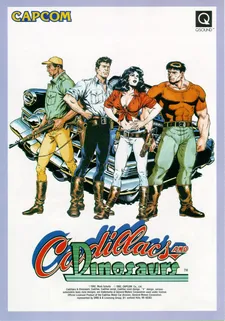
Cadillacs and Dinosaurs (Mustapha)
The holy grail of 90s cooperative arcade beat-em-ups on Capcom CPS-1
Captain Commando
Futuristic Metro City brawler featuring Ginzu the Ninja and Baby Head
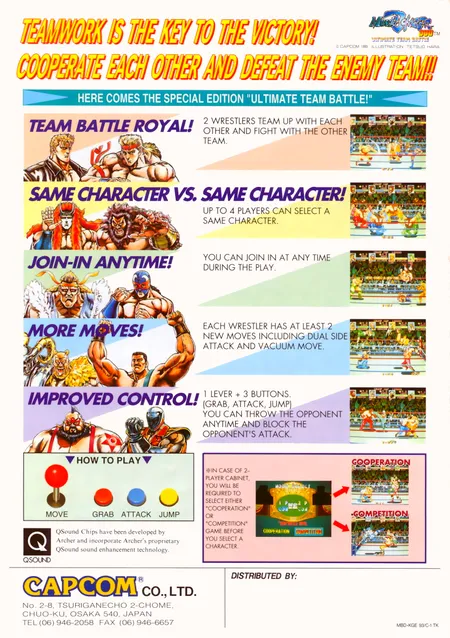
Muscle Bomber Duo: Ultimate Team Battle
Capcom (1993)
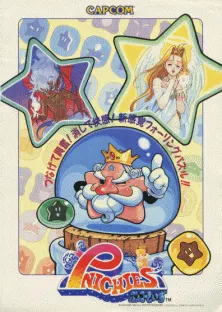
Pnickies
Compile (Capcom license) (1994)