Futuristic Metro City brawler featuring Ginzu the Ninja and Baby Head
Powered by EmulatorWasm • 100% Client-SideCaptain Commando
Futuristic Metro City brawler featuring Ginzu the Ninja and Baby Head
How to Play in Your Browser — Captain Commando
Lead the Commando Team through crime-ridden futuristic streets with mech suits, ninja swords, and laser blasts in classic arcade co-op.
Set in the crime-ridden future of Metro City in the year 2026. A super-criminal named Scumocide seeks to conquer the galaxy. Captain Commando steps forward.
Technical Architecture & Specifications
❓Frequently Asked Questions
Troubleshooting & Guides💡What should I do if the game fails to load, freezes, or shows a black screen?
Web games store their large ROM and asset chunks in your browser's internal CacheStorage and IndexedDB. A standard browser refresh (Ctrl+F5 / Cmd+Shift+R) only refreshes the web page and will NOT clear game asset caches. To perform a complete clean reload: 1) Open DevTools (F12 or Cmd+Option+I on Mac / Ctrl+Shift+I on Windows); 2) Click the 'Application' tab and select 'Storage' in the left menu; 3) Ensure 'Cache storage' and 'IndexedDB' are checked, then click 'Clear site data' (or 'Clear selected'); 4) Refresh the page. Also ensure WebGL 2.0 and hardware acceleration are enabled.
Can I pilot giant mechs in the game?
Yes, you can hijack enemy ride armor suits throughout various stages and punch foes across the screen.
More Games You Might Enjoy
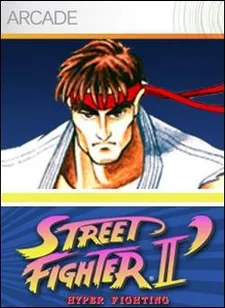
Street Fighter II: Champion Edition
The legendary CPS-1 arcade fighting phenomenon that started it all
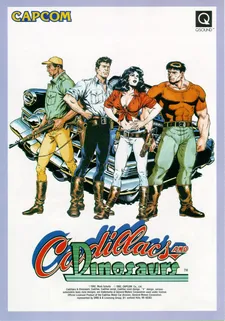
Cadillacs and Dinosaurs (Mustapha)
The holy grail of 90s cooperative arcade beat-em-ups on Capcom CPS-1
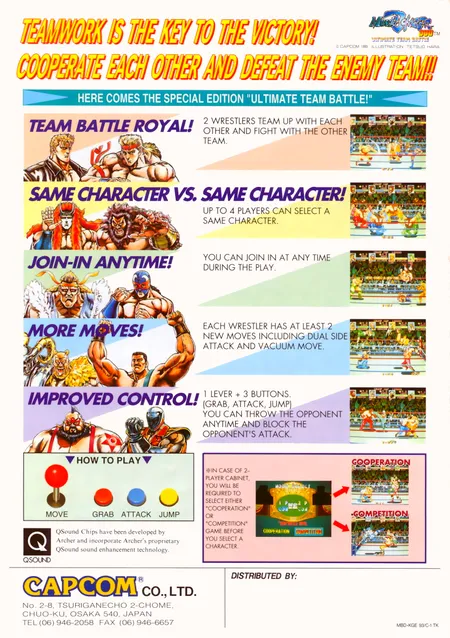
Muscle Bomber Duo: Ultimate Team Battle
Capcom (1993)
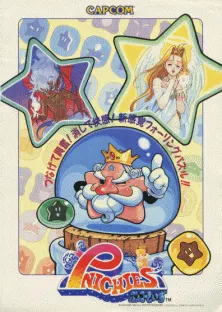
Pnickies
Compile (Capcom license) (1994)