The holy grail of 90s cooperative arcade beat-em-ups on Capcom CPS-1
Powered by EmulatorWasm • 100% Client-SideCadillacs and Dinosaurs (Mustapha)
The holy grail of 90s cooperative arcade beat-em-ups on Capcom CPS-1
How to Play in Your Browser — Cadillacs and Dinosaurs (Mustapha)
Drive Cadillacs, brawl poachers, and rescue prehistoric dinosaurs in the 26th century with Jack, Hannah, Mustapha, and Mess.
Set in the 'City in the Sea' in the 26th century. Poachers are hunting revived dinosaurs for sinister genetic experiments. Take up arms and restore order.
Technical Architecture & Specifications
❓Frequently Asked Questions
Troubleshooting & Guides💡What should I do if the game fails to load, freezes, or shows a black screen?
Web games store their large ROM and asset chunks in your browser's internal CacheStorage and IndexedDB. A standard browser refresh (Ctrl+F5 / Cmd+Shift+R) only refreshes the web page and will NOT clear game asset caches. To perform a complete clean reload: 1) Open DevTools (F12 or Cmd+Option+I on Mac / Ctrl+Shift+I on Windows); 2) Click the 'Application' tab and select 'Storage' in the left menu; 3) Ensure 'Cache storage' and 'IndexedDB' are checked, then click 'Clear site data' (or 'Clear selected'); 4) Refresh the page. Also ensure WebGL 2.0 and hardware acceleration are enabled.
Can I play as Mustapha Cairo?
Yes! Mustapha is available on character select with his iconic flying side kick and blazing speed.
Why does INSERT COIN flash at the top during gameplay?
In authentic Capcom arcade cabinets, the top bar flashes INSERT COIN to invite Player 2 or Player 3 to drop in and join the fight anytime. It does not affect Player 1's active combat.
More Games You Might Enjoy
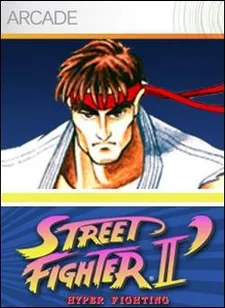
Street Fighter II: Champion Edition
The legendary CPS-1 arcade fighting phenomenon that started it all
Captain Commando
Futuristic Metro City brawler featuring Ginzu the Ninja and Baby Head
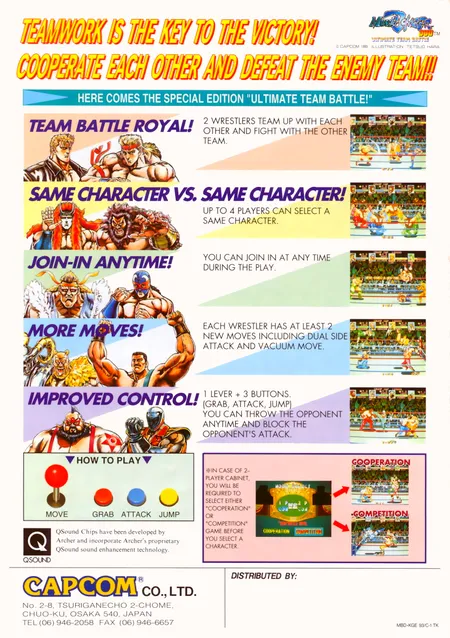
Muscle Bomber Duo: Ultimate Team Battle
Capcom (1993)
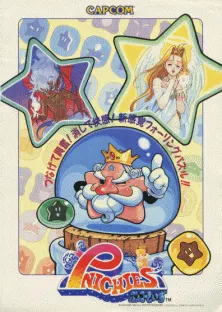
Pnickies
Compile (Capcom license) (1994)