The definitive 2D run-and-gun arcade masterpiece with unmatched pixel art
Powered by EmulatorWasm • 100% Client-SideMetal Slug X: Super Vehicle-001
The definitive 2D run-and-gun arcade masterpiece with unmatched pixel art
How to Play in Your Browser — Metal Slug X: Super Vehicle-001
Heavy Machine Gun! Battle General Morden and alien invaders in this ultra-refined arcade spectacle powered by WebAssembly Neo Geo emulation.
General Morden has returned with an alien coalition. Marco, Tarma, Eri, and Fio deploy behind enemy lines with heavy vehicles and absurd firepower.
Technical Architecture & Specifications
❓Frequently Asked Questions
Troubleshooting & Guides💡What should I do if the game fails to load, freezes, or shows a black screen?
Web games store their large ROM and asset chunks in your browser's internal CacheStorage and IndexedDB. A standard browser refresh (Ctrl+F5 / Cmd+Shift+R) only refreshes the web page and will NOT clear game asset caches. To perform a complete clean reload: 1) Open DevTools (F12 or Cmd+Option+I on Mac / Ctrl+Shift+I on Windows); 2) Click the 'Application' tab and select 'Storage' in the left menu; 3) Ensure 'Cache storage' and 'IndexedDB' are checked, then click 'Clear site data' (or 'Clear selected'); 4) Refresh the page. Also ensure WebGL 2.0 and hardware acceleration are enabled.
How do I insert virtual arcade tokens?
Press 'V' or '5' (or Gamepad 'Select') to insert coins, then press '1' or 'Enter' to begin playing.
More Games You Might Enjoy
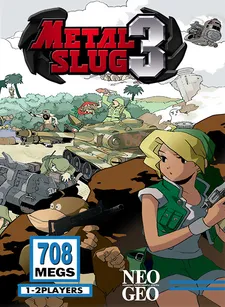
Metal Slug 3
Branching path military mayhem with zombies, giant crabs, and alien motherships

The King of Fighters '98: Dream Match Never Ends
The benchmark of 2D competitive fighting games on Neo Geo hardware
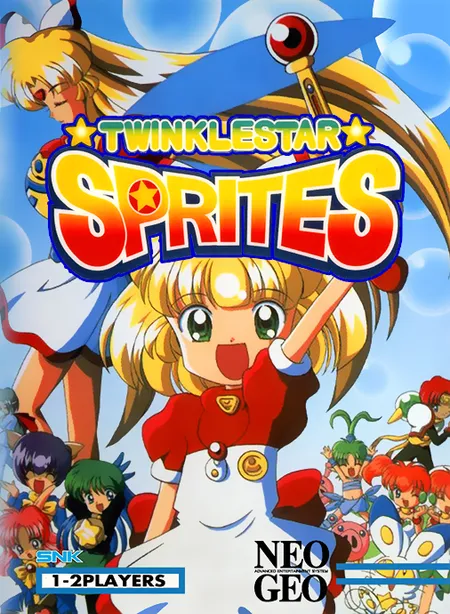
Twinkle Star Sprites
ADK / SNK (1996)
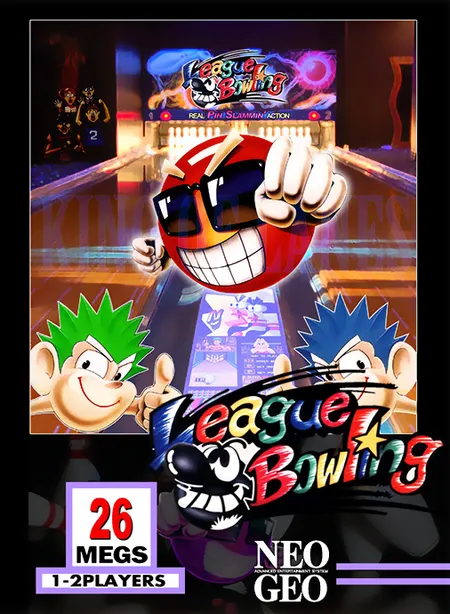
League Bowling (Neo Geo)
SNK (1990)