Grand Theft Auto: Vice City
1980s neon synthwave open-world masterpiece running natively in WebAssembly
Powered by reVC (C++ via Emscripten) • 100% Client-Side
Grand Theft Auto: Vice City
1980s neon synthwave open-world masterpiece running natively in WebAssembly
Experience 1986 Vice City with Tommy Vercetti in full 3D hardware-accelerated WebAssembly. No install, no streaming lag, running directly on your GPU.
📜Historical Lore & Background
Welcome to Vice City. From the decade of big hair, excess, and pastel suits comes a story of one man's rise to the top of the criminal pile. Re-engineered into WebAssembly via the open-source reVC project.
⚙️WebAssembly Architecture
Default Controls & Key Bindings
Zero-latency inputs. Gamepad controls auto-map when plugged in.
| Action / Movement | Keyboard Key | Standard Gamepad Button |
|---|---|---|
| Move / Steer | W / A / S / D | Left Analog Stick / D-Pad |
| Sprint / Accelerate | Left Shift / W | A / Right Trigger (RT) |
| Attack / Fire Weapon | Left Click / Ctrl | Right Bumper (RB) / B |
| Enter / Exit Vehicle | F / Enter | Y / Triangle |
| Handbrake | Space | Right Trigger / X |
| Camera Look | Mouse Look | Right Analog Stick |
Frequently Asked Questions
Can I play GTA Vice City in my browser without downloading an installer?
Yes. WASM Arcade runs the compiled reVC engine directly in your browser tab via WebAssembly and WebGL 2.0. No plugins or executables are required.
Where are my game saves kept?
Saves are stored locally in your browser's IndexedDB storage. You can backup or restore your .sav files at any time via the Save Manager.
Can I use an Xbox or PlayStation controller?
Yes. Connect your Bluetooth or USB gamepad, and it will be instantly detected via the HTML5 Gamepad API with native console button mapping.
More Games You Might Enjoy
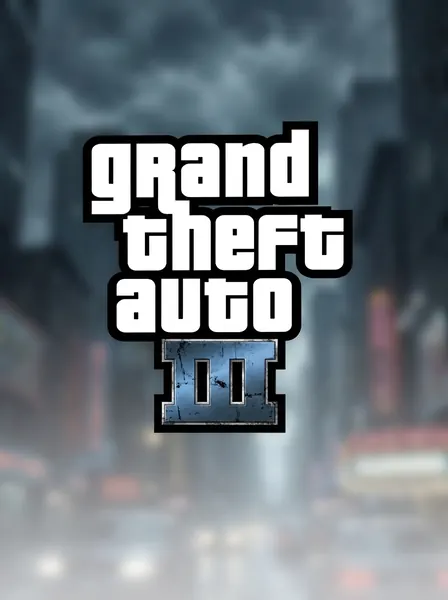
Grand Theft Auto III
The sprawling crime epic that revolutionized interactive entertainment. Roam Liberty City with full 60 FPS WebAssembly performance in your browser.
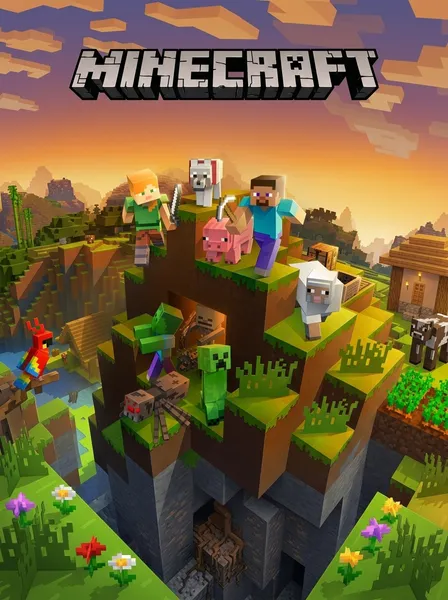
Minecraft 1.8.8 (Web Edition)
Mine blocks, craft tools, build majestic structures, and battle creepers in a full voxel world inside your browser without installing Java.
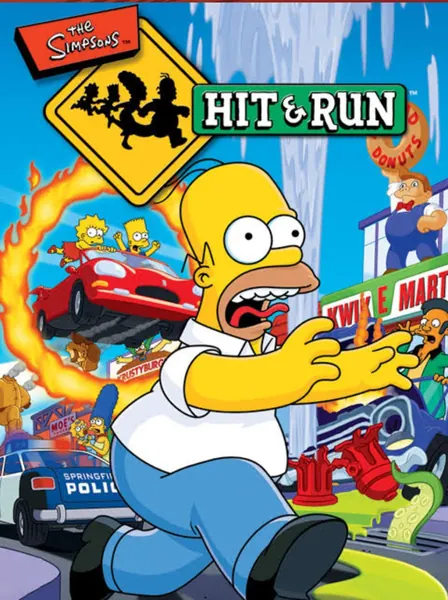
The Simpsons: Hit & Run
Explore Springfield as Homer, Bart, Lisa, and Marge. Uncover the mysterious alien plot behind the buzz cola cameras in this full multithreaded WASM port.
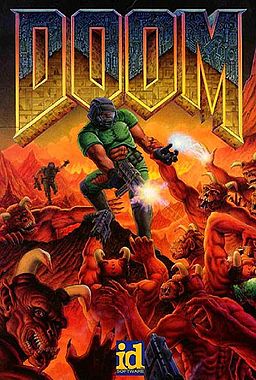
Doom (1993)
Fight through hordes of demonic invaders on Phobos in the pioneering first-person shooter that defined PC gaming. Pure C compiled to WebAssembly.