Futuristic Metro City brawler featuring Ginzu the Ninja and Baby Head
Powered by EmulatorWasm • 100% Client-SideCaptain Commando
Futuristic Metro City brawler featuring Ginzu the Ninja and Baby Head
Comment Jouer sur Navigateur — Captain Commando
Lead the Commando Team through crime-ridden futuristic streets with mech suits, ninja swords, and laser blasts in classic arcade co-op.
Set in the crime-ridden future of Metro City in the year 2026. A super-criminal named Scumocide seeks to conquer the galaxy. Captain Commando steps forward.
Technical Architecture & Specifications
❓Foire Aux Questions
Dépannage & Guides💡Que faire si le jeu ne se charge pas, plante ou affiche un écran noir ?
Si un jeu ne démarre pas ou reste bloqué lors du chargement, cela est presque toujours dû au cache du navigateur obsolète. Effectuez un rechargement forcé (Ctrl+F5 sous Windows/Linux ou Cmd+Shift+R sur Mac) ou effacez le cache dans les paramètres de votre navigateur. Vérifiez également que l'accélération matérielle et WebGL 2.0 sont activés.
Can I pilot giant mechs in the game?
Yes, you can hijack enemy ride armor suits throughout various stages and punch foes across the screen.
Autres Jeux Recommandés
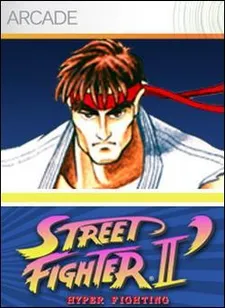
Street Fighter II: Champion Edition
La borne de combat à 6 boutons de Capcom qui a défini les jeux de combat
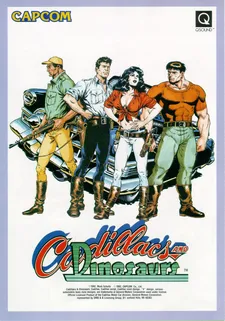
Cadillacs and Dinosaurs (Mustapha)
Le beat-em-up post-apocalyptique culte de Capcom avec armes à feu et dinosaures
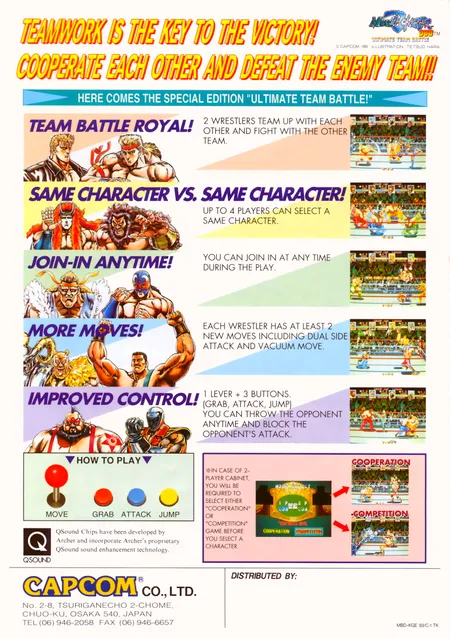
Muscle Bomber Duo: Ultimate Team Battle
Capcom (1993)
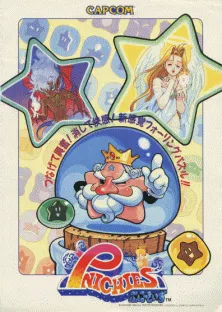
Pnickies
Compile (Capcom license) (1994)