Capcom (1989)
Powered by EmulatorWasm • 100% Client-SideFinal Fight
Capcom (1989)
Cómo Jugar en el Navegador — Final Fight
Play Final Fight arcade coin-op edition online in your browser. Free to play in your browser with full controller support, original stages, and instant auto-saving.
Classic Final Fight arcade release from 1989 preserved for WebAssembly browser execution without plugins or external dependencies.
Technical Architecture & Specifications
❓Preguntas Frecuentes
Solución de Problemas y Guías💡¿Qué hacer si el juego se congela, no carga o muestra una pantalla negra?
Si un juego no inicia o se queda congelado durante la carga, casi siempre se debe a una caché desactualizada en el navegador. Realiza una recarga forzada (Ctrl+F5 en Windows/Linux o Cmd+Shift+R en Mac) o borra los archivos en caché en la configuración. Asegúrate también de que la aceleración por hardware y WebGL 2.0 estén habilitados.
Can I play Final Fight without installing any emulator?
Yes! The game runs completely free inside your browser tab with zero downloads or plugins needed. Just click play and enjoy.
Más Juegos que Podrían Gustarte
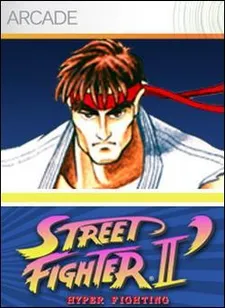
Street Fighter II: Champion Edition
El legendario juego de recreativa de Capcom CPS-1 con los 12 guerreros mundiales
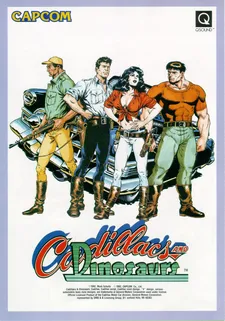
Cadillacs and Dinosaurs (Mustapha)
El beat 'em up cooperativo más querido de los 90 en placa Capcom CPS-1
Captain Commando
Futuristic Metro City brawler featuring Ginzu the Ninja and Baby Head
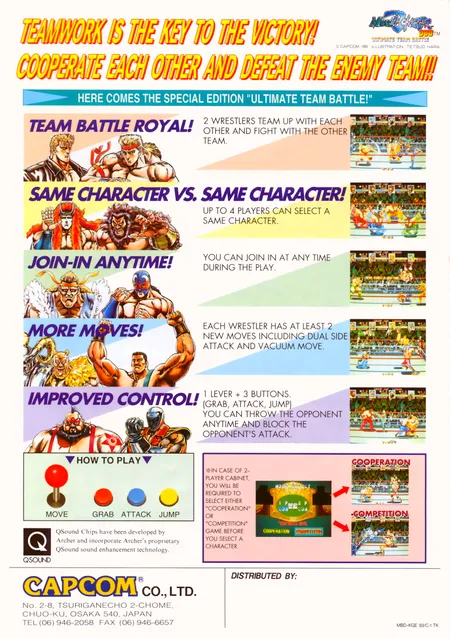
Muscle Bomber Duo: Ultimate Team Battle
Capcom (1993)