The legendary CPS-1 arcade fighting phenomenon that started it all
Powered by EmulatorWasm • 100% Client-SideStreet Fighter II: Champion Edition
El legendario juego de recreativa de Capcom CPS-1 con los 12 guerreros mundiales
Cómo Jugar en el Navegador — Street Fighter II: Champion Edition
Juega Street Fighter II: Champion Edition en el navegador en WASM Arcade. Lucha con Ryu, Ken, Chun-Li y los 4 grandes maestros en Capcom CPS-1.
¡Hadouken! El título que revolucionó los salones recreativos. Controla a los 8 luchadores originales y por primera vez a Balrog, Vega, Sagat y M. Bison.
Technical Architecture & Specifications
❓Preguntas Frecuentes
Solución de Problemas y Guías💡¿Qué hacer si el juego se congela, no carga o muestra una pantalla negra?
Si un juego no inicia o se queda congelado durante la carga, casi siempre se debe a una caché desactualizada en el navegador. Realiza una recarga forzada (Ctrl+F5 en Windows/Linux o Cmd+Shift+R en Mac) o borra los archivos en caché en la configuración. Asegúrate también de que la aceleración por hardware y WebGL 2.0 estén habilitados.
¿Es idéntico a la recreativa original de 1992?
Sí, el motor emula ciclo a ciclo los chips de sonido y el microprocesador Motorola 68000 con absoluta fidelidad.
Más Juegos que Podrían Gustarte
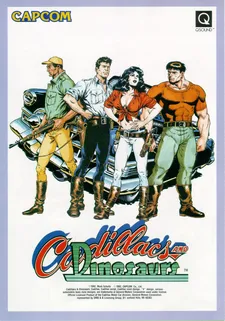
Cadillacs and Dinosaurs (Mustapha)
El beat 'em up cooperativo más querido de los 90 en placa Capcom CPS-1
Captain Commando
Futuristic Metro City brawler featuring Ginzu the Ninja and Baby Head
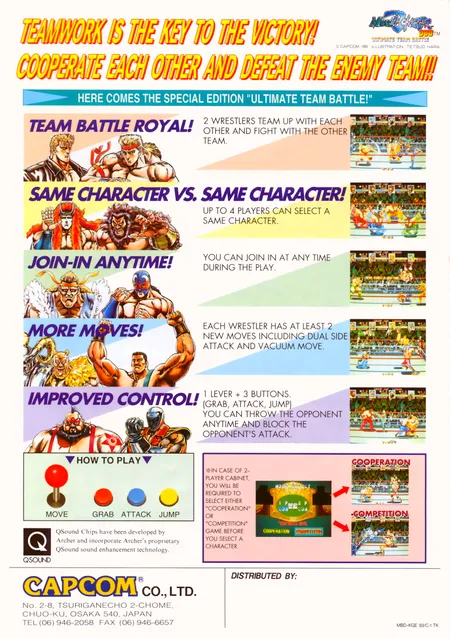
Muscle Bomber Duo: Ultimate Team Battle
Capcom (1993)
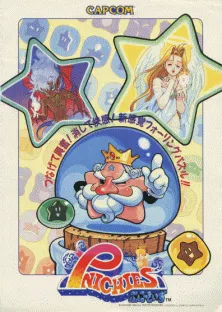
Pnickies
Compile (Capcom license) (1994)