Shrink to microscopic scale in one of the most charming Zelda adventures
Powered by WASM Arcade GBA Core • 100% Client-SideThe Legend of Zelda: The Minish Cap
Shrink to microscopic scale in one of the most charming Zelda adventures
Spielanleitung im Browser — The Legend of Zelda: The Minish Cap
Partner with Ezlo the talking hat to shrink down and discover the miniature Picori realm in this vibrant pixel-art top-down masterpiece.
When the sorcerer Vaati petrifies Princess Zelda and shatters the sacred Picori Blade, Link must shrink to the size of an acorn to find four elemental keys.
Technical Architecture & Specifications
❓Häufig Gestellte Fragen
Fehlerbehebung & Anleitungen💡Was tun, wenn ein Spiel nicht lädt, einfriert oder ein schwarzer Bildschirm erscheint?
Wenn ein Spiel nicht startet oder beim Laden hängenbleibt, liegt das fast immer an veraltetem Browser-Cache. Führen Sie einen Hard-Reload durch (Strg+F5 unter Windows/Linux oder Cmd+Shift+R auf dem Mac) oder leeren Sie den Browser-Cache. Stellen Sie außerdem sicher, dass Hardwarebeschleunigung und WebGL 2.0 in Ihren Browsereinstellungen aktiviert sind.
Can I export my Zelda save file to use in visual boy advance?
Yes, the Save Manager lets you export an uncompressed .sav file compatible with all standard GBA emulators.
Weitere Beliebte Klassiker
Super Mario 64 (WASM Port)
Der Meilenstein des 3D-Platformings direkt nach WebAssembly portiert
Super Mario Advance 4: Super Mario Bros. 3
Die erweiterte Game Boy Advance-Fassung des gefeierten Plattform-Klassikers
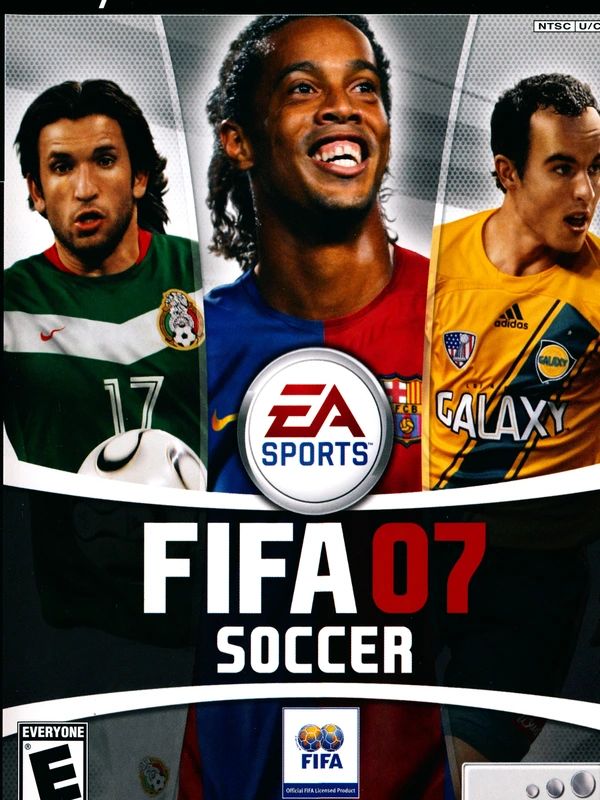
FIFA 07
The definitive 2006-2007 Ronaldinho era soccer classic running natively in your browser
Castlevania: Aria of Sorrow
Konami's 2003 gothic action RPG masterpiece powered by the Tactical Soul system