Capcom (1989)
Powered by EmulatorWasm • 100% Client-SideFinal Fight
Capcom (1989)
Cara Main di Browser — Final Fight
Play Final Fight arcade coin-op edition online in your browser. Free to play in your browser with full controller support, original stages, and instant auto-saving.
Classic Final Fight arcade release from 1989 preserved for WebAssembly browser execution without plugins or external dependencies.
Technical Architecture & Specifications
❓Pertanyaan yang Sering Diajukan
Panduan & Pemecahan Masalah💡Apa yang harus dilakukan jika game macet, tidak bisa dimuat, atau layar hitam?
Jika game gagal dimulai atau macet saat loading, ini hampir selalu disebabkan oleh cache browser lokal yang usang. Lakukan refresh paksa (Ctrl+F5 di Windows/Linux atau Cmd+Shift+R di Mac) atau bersihkan cache browser di pengaturan. Pastikan juga akselerasi perangkat keras dan WebGL 2.0 diaktifkan di browser Anda.
Can I play Final Fight without installing any emulator?
Yes! The game runs completely free inside your browser tab with zero downloads or plugins needed. Just click play and enjoy.
Game Lain yang Mungkin Anda Suka
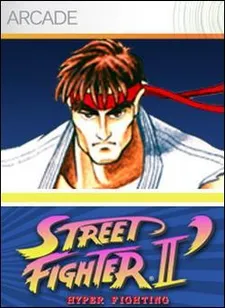
Street Fighter II: Champion Edition
Game pertarungan legendaris Capcom CPS-1 dengan 12 petarung dunia
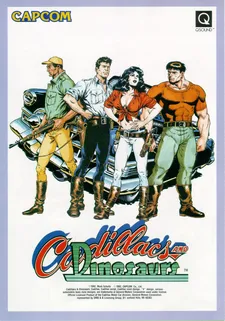
Cadillacs and Dinosaurs (Mustapha)
Game dingdong petualangan paling populer tahun 90-an di mesin Capcom CPS-1
Captain Commando
Futuristic Metro City brawler featuring Ginzu the Ninja and Baby Head
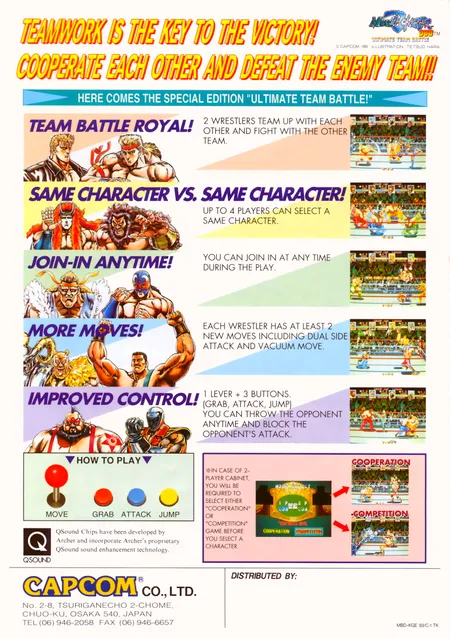
Muscle Bomber Duo: Ultimate Team Battle
Capcom (1993)