Data East Corporation (1994)
Powered by EmulatorWasm • 100% Client-SideWindjammers
Data East Corporation (1994)
Comment Jouer sur Navigateur — Windjammers
Play Windjammers arcade coin-op edition online in your browser. Free to play in your browser with full controller support, original stages, and instant auto-saving.
Classic Windjammers arcade release from 1994 preserved for WebAssembly browser execution without plugins or external dependencies.
Technical Architecture & Specifications
❓Foire Aux Questions
Dépannage & Guides💡Que faire si le jeu ne se charge pas, plante ou affiche un écran noir ?
Si un jeu ne démarre pas ou reste bloqué lors du chargement, cela est presque toujours dû au cache du navigateur obsolète. Effectuez un rechargement forcé (Ctrl+F5 sous Windows/Linux ou Cmd+Shift+R sur Mac) ou effacez le cache dans les paramètres de votre navigateur. Vérifiez également que l'accélération matérielle et WebGL 2.0 sont activés.
Can I play Windjammers without installing any emulator?
Yes! The game runs completely free inside your browser tab with zero downloads or plugins needed. Just click play and enjoy.
Autres Jeux Recommandés
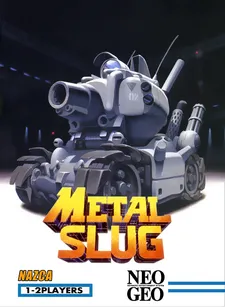
Metal Slug X: Super Vehicle-001
Le chef-d'œuvre du run-and-gun 2D en pixel art sur Neo Geo
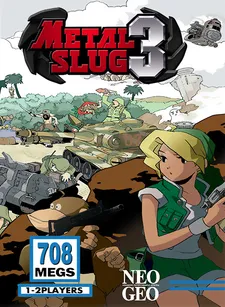
Metal Slug 3
L'épopée run-and-gun aux chemins multiples avec zombies et vaisseaux extraterrestres

The King of Fighters '98: Dream Match Never Ends
L'apogée ultime du jeu de combat en 2D sur borne d'arcade Neo Geo MVS
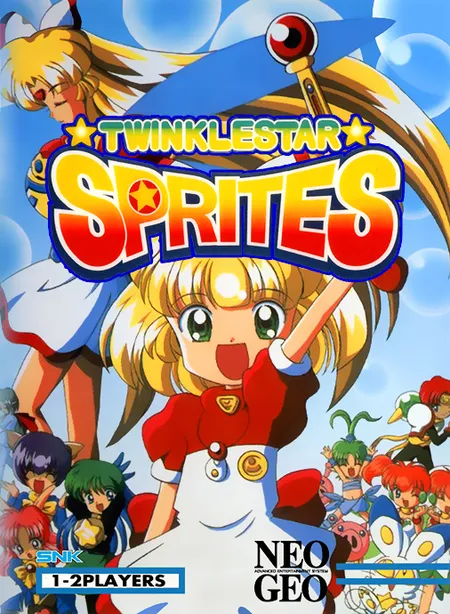
Twinkle Star Sprites
ADK / SNK (1996)