Shrink to microscopic scale in one of the most charming Zelda adventures
Powered by WASM Arcade GBA Core • 100% Client-SideThe Legend of Zelda: The Minish Cap
Shrink to microscopic scale in one of the most charming Zelda adventures
Cómo Jugar en el Navegador — The Legend of Zelda: The Minish Cap
Partner with Ezlo the talking hat to shrink down and discover the miniature Picori realm in this vibrant pixel-art top-down masterpiece.
When the sorcerer Vaati petrifies Princess Zelda and shatters the sacred Picori Blade, Link must shrink to the size of an acorn to find four elemental keys.
Technical Architecture & Specifications
❓Preguntas Frecuentes
Solución de Problemas y Guías💡¿Qué hacer si el juego se congela, no carga o muestra una pantalla negra?
Si un juego no inicia o se queda congelado durante la carga, casi siempre se debe a una caché desactualizada en el navegador. Realiza una recarga forzada (Ctrl+F5 en Windows/Linux o Cmd+Shift+R en Mac) o borra los archivos en caché en la configuración. Asegúrate también de que la aceleración por hardware y WebGL 2.0 estén habilitados.
Can I export my Zelda save file to use in visual boy advance?
Yes, the Save Manager lets you export an uncompressed .sav file compatible with all standard GBA emulators.
Más Juegos que Podrían Gustarte
Super Mario 64 (WASM Port)
El mítico clásico 3D de plataformas ejecutado a 60 FPS panorámicos en el navegador
Super Mario Advance 4: Super Mario Bros. 3
La versión definitiva del mejor plataformas en 2D en Game Boy Advance
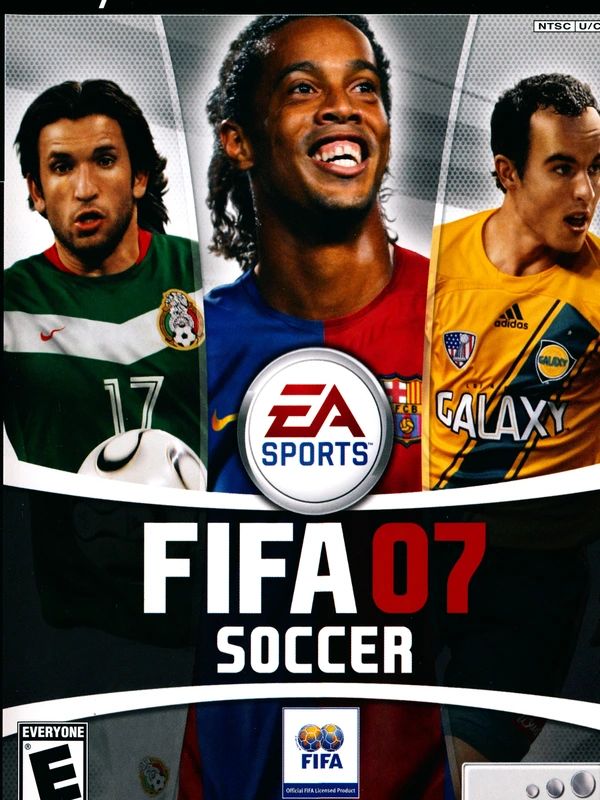
FIFA 07
The definitive 2006-2007 Ronaldinho era soccer classic running natively in your browser
Castlevania: Aria of Sorrow
Konami's 2003 gothic action RPG masterpiece powered by the Tactical Soul system